

Global Search & Navigation
Assista IDE utilizes a high-performance indexing engine to manage code navigation across large-scale Odoo codebases. The Search Everywhere suite provides a centralized interface for locating text, symbols, and files across multiple repositories and core source directories.
Search Everywhere Modal
The Search Everywhere modal is the primary navigation interface, supporting universal queries across all mounted directories.
- Universal Text Search: Performs raw string matching across all file types in the workspace.
- Symbol & Class Indexing: Direct navigation to Python classes, methods, Odoo models, and XML IDs.
- File System Search: Instant retrieval of files based on filename patterns and relative paths.
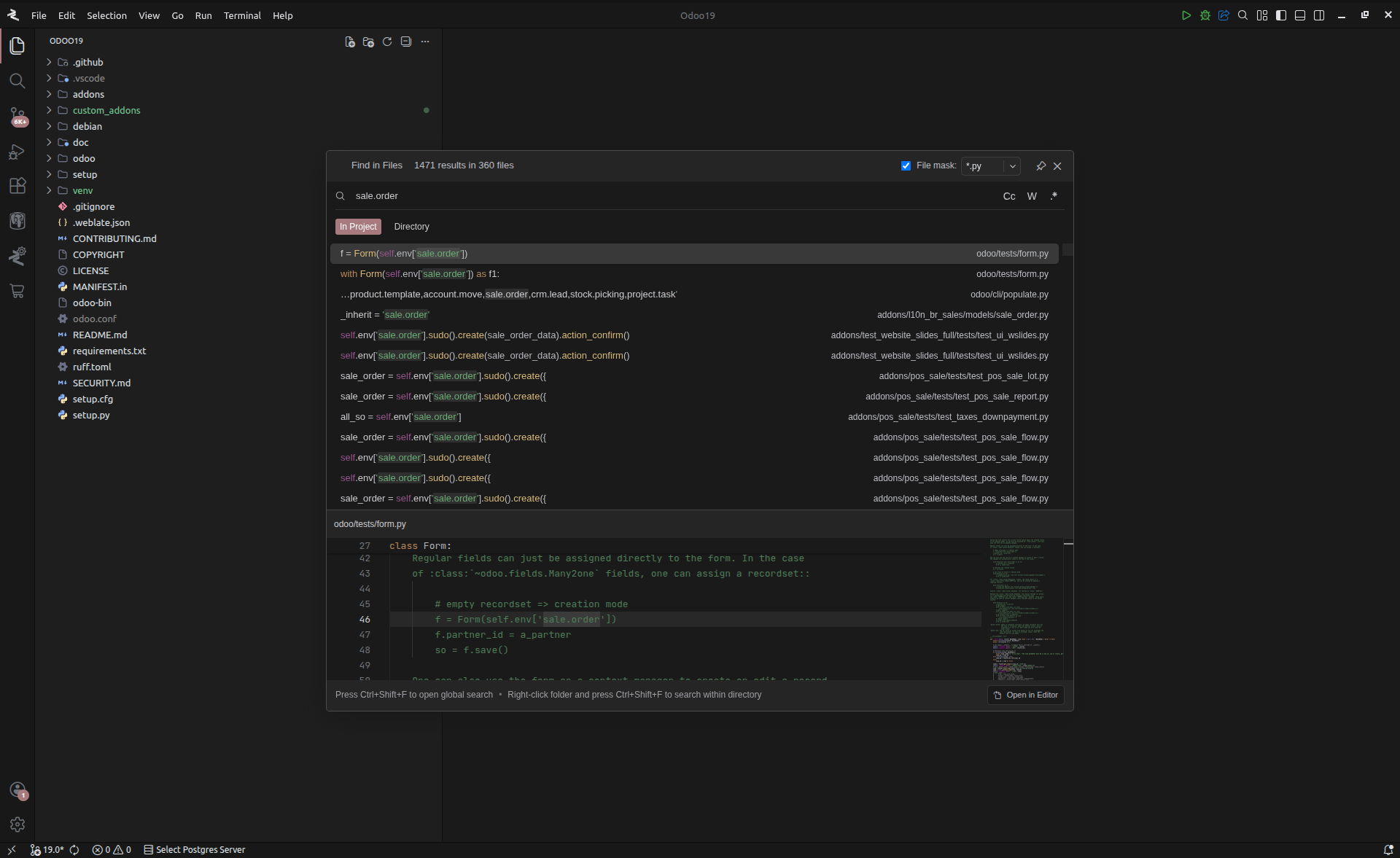
Interface & Query Controls
The search interface provides granular controls to refine query results and filter by file mask.
1. Information Bar & File Masking
Located at the top of the modal, this section manages the search scope and metadata.
- Result Metadata (Left): Displays a count of total matches and unique files identified in the current query.
- File Mask Toggle (Right): Limits the search scope to specific file extensions.
- Extension Presets: Supported presets include
.py,.xml, and.js. - Custom Filtering: Allows for the manual entry of any file extension or pattern.
- Extension Presets: Supported presets include
- Interface Persistence: The Pin icon prevents the modal from closing on losing focus, while the X icon terminates the interface.
2. Query Configuration Bar
The primary input area supports advanced logical toggles.
- Match Case (cc): Executes a case-sensitive search.
- Whole Word (w): Restricts results to distinct, complete words, eliminating partial matches.
- Regular Expressions (.*): Enables advanced query logic utilizing standard Regex syntax.
Result Processing & Preview
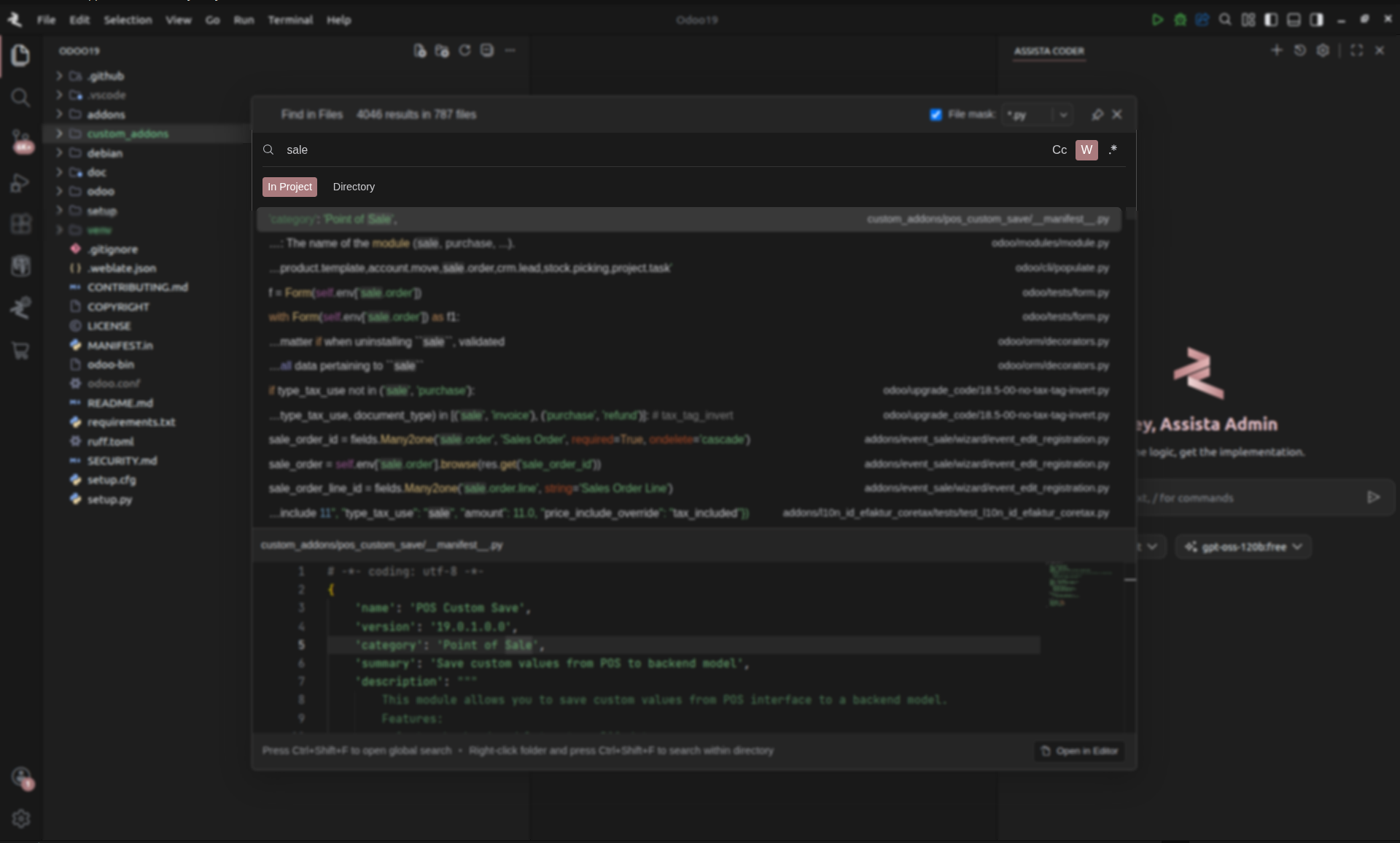
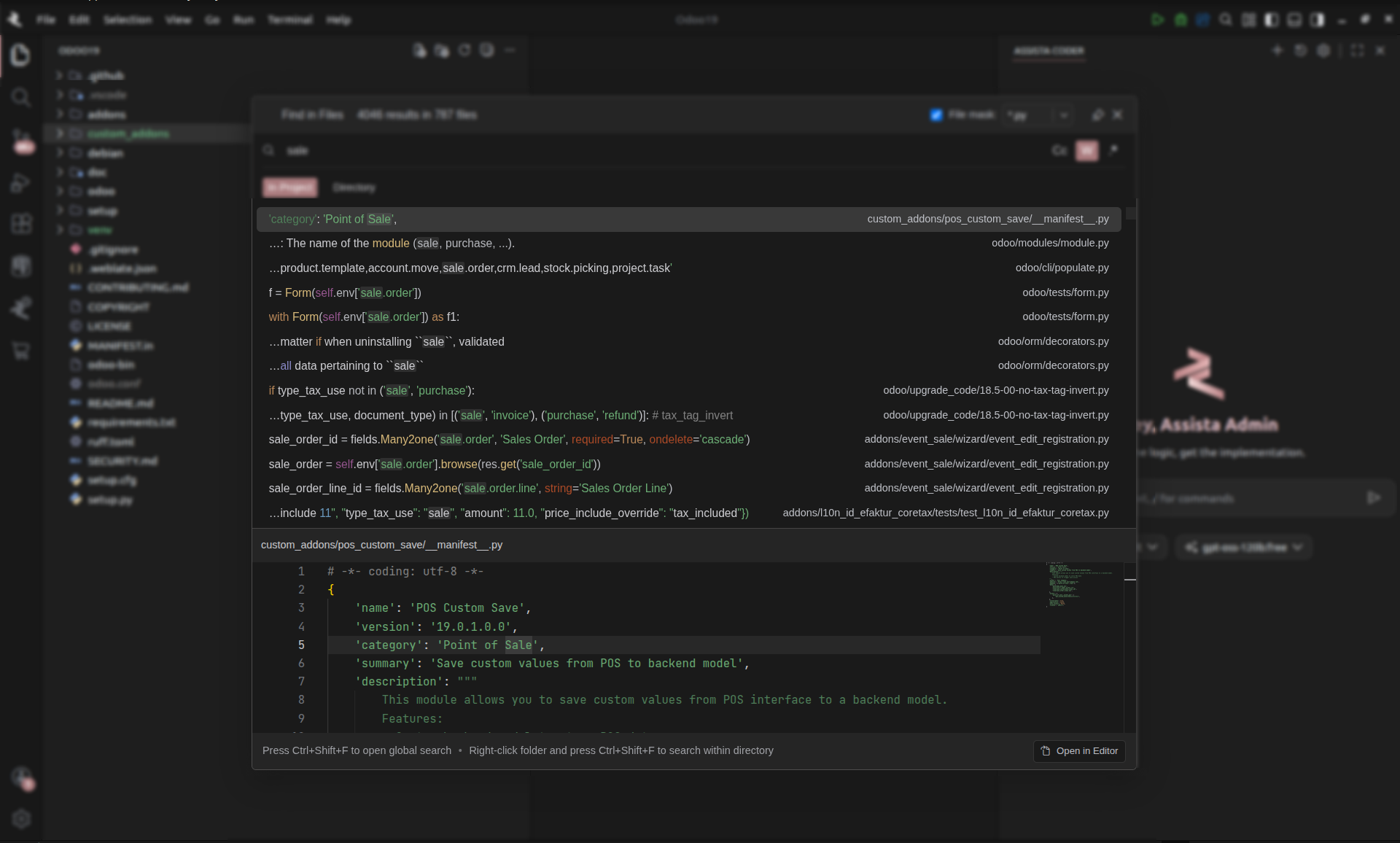
The result section is split into a list view and an integrated preview buffer.
1. Match List
The list view displays every identified match with technical metadata.
- Code Snippet: Highlights the specific line containing the match.
- Path Integrity: Displays the relative path and module context for each identified record.
2. Integrated Preview & Editing
Selecting an entry from the list activates the preview pane for contextual analysis.
- Contextual Visualization: Renders surrounding code lines to verify logic.
- In-Modal Editing: Supports direct text manipulation within the preview buffer.
- Navigation: Double-clicking a record or selecting Open Editor remounts the file in the main editor pane.
Keyboard Shortcuts
- Windows/Linux:
Ctrl + Shift + F(Global Search),Ctrl + P(File Search). - macOS:
Cmd + Shift + F(Global Search),Cmd + P(File Search).
Indexing Architecture
Assista IDE utilizes an optimized indexing engine engineered for the depth and volume of Odoo source directories.
- Low-Latency Indexing: Background indexing ensures that results are populated in real-time without blocking the user interface.
- Cross-Repository Context: The indexer aggregates data from local custom modules, OCA repositories, and the Odoo core engine simultaneously.
Search and navigation tools in Assista IDE are designed to standardize codebase exploration and reduce the time spent on manual file traversal.