

Assista Air
Assista Air is a set of Chrome extensions for Odoo: tab management, one-click user switching and smart record filtering. They run in your browser against any Odoo instance you can already access. You do not configure anything on the server.
Each extension works on its own and installs separately from the Chrome Web Store. All three are free to install.
| Extension | Use it to | Install |
|---|---|---|
| Odoo Tab Manager | Keep several Odoo tabs and instances in one interface. | Chrome Web Store |
| Odoo One Tap | Switch between Odoo users and instances in one click. | Chrome Web Store |
| Odoo Smart Filter | Filter records from any model you have access to. | Chrome Web Store |
The extensions
Odoo Tab Manager
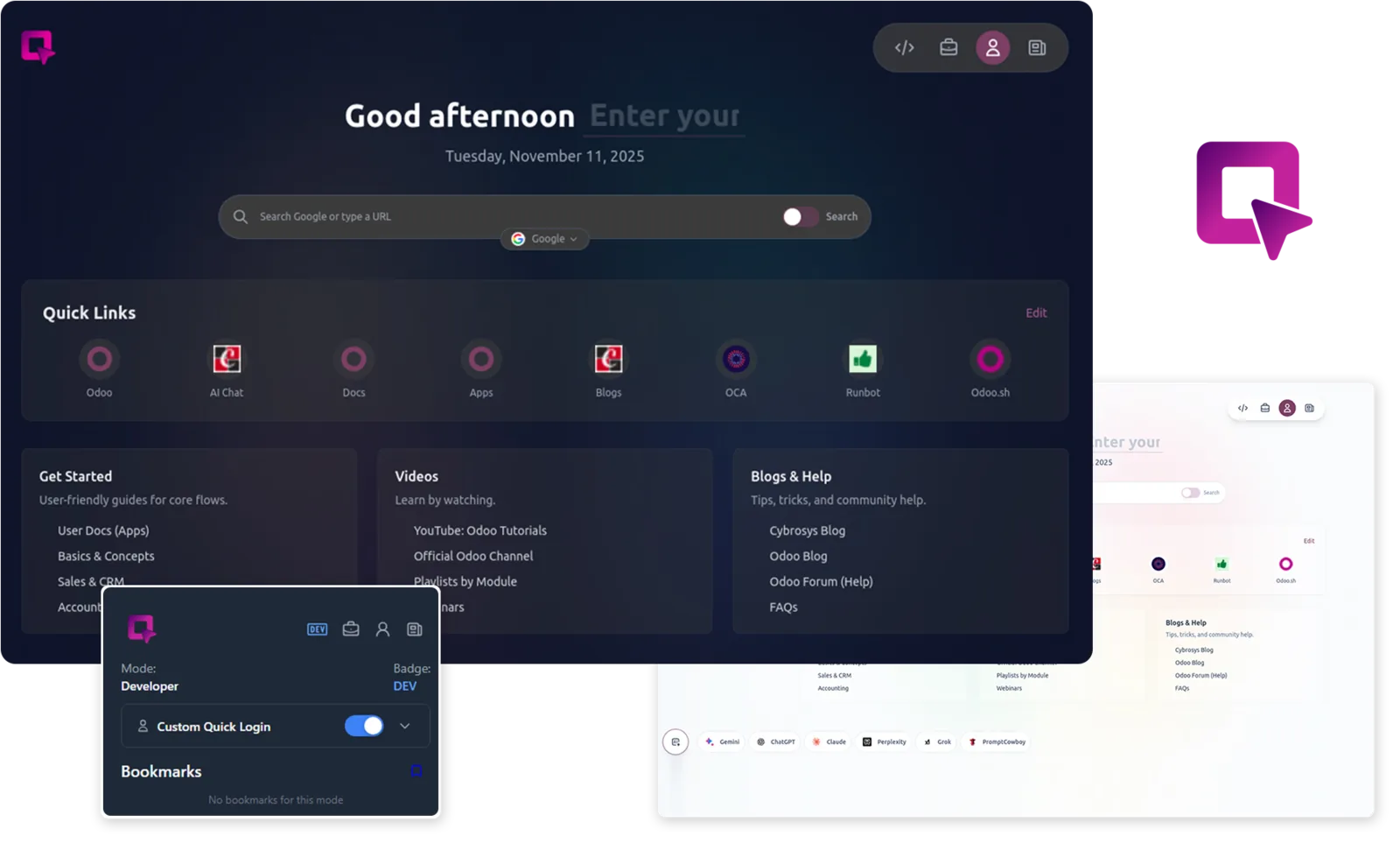
Organize multiple Odoo tabs and instances in one interface. It has smart mode switching and quick access to everything you need, so you can keep several instances open without losing track of them.
Use it when you work across more than one Odoo instance, for example development, staging and a client's database, and want them in one place instead of scattered browser tabs.
Install from the Chrome Web Store
Odoo One Tap
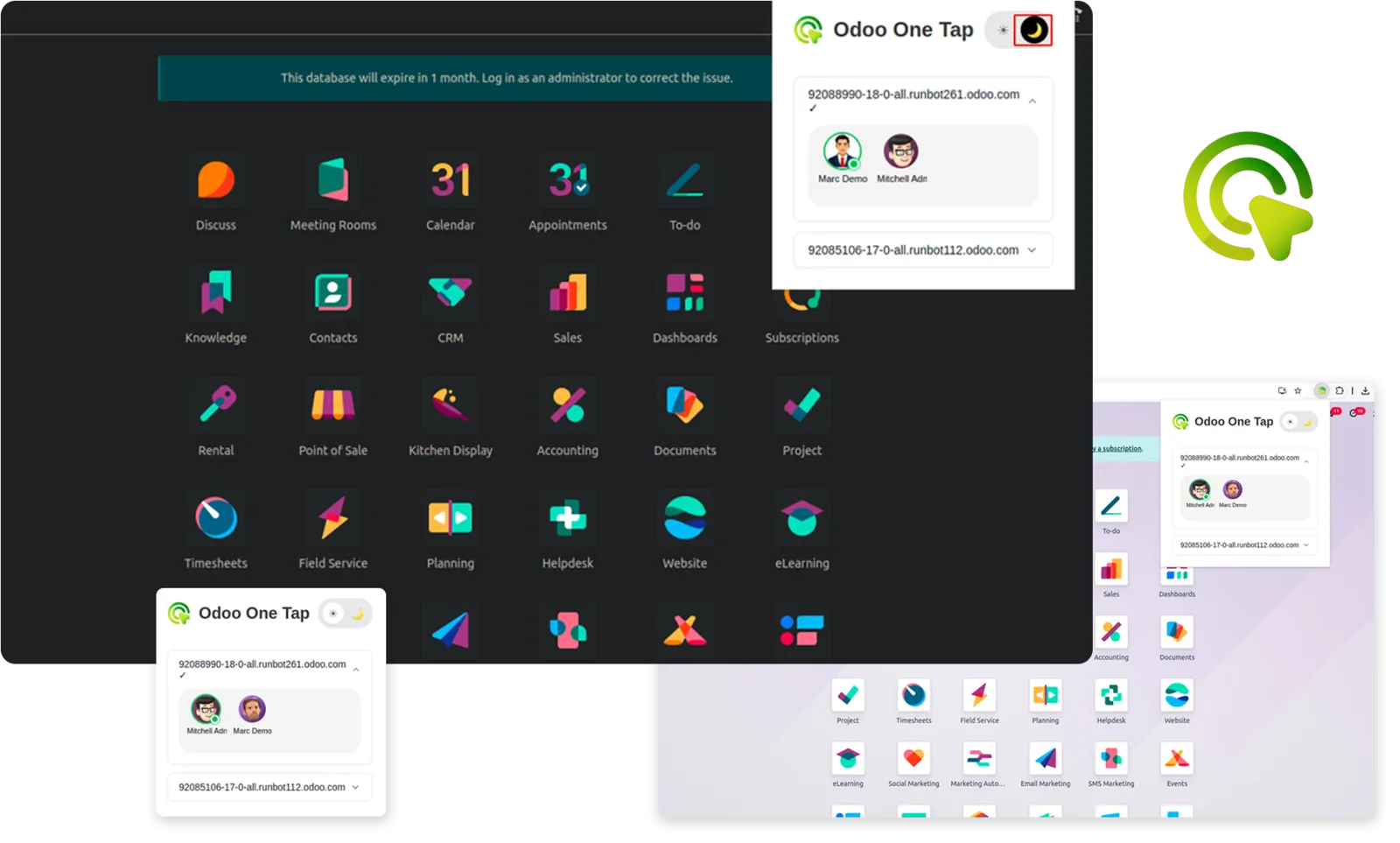
Switch between Odoo users and instances in one click. It is built for developers and QA testers who juggle multiple accounts and environments, and it also saves time for business users who manage more than one login. Use it to test permission groups or reproduce role-specific bugs without logging out and in.
Install from the Chrome Web Store
Odoo Smart Filter
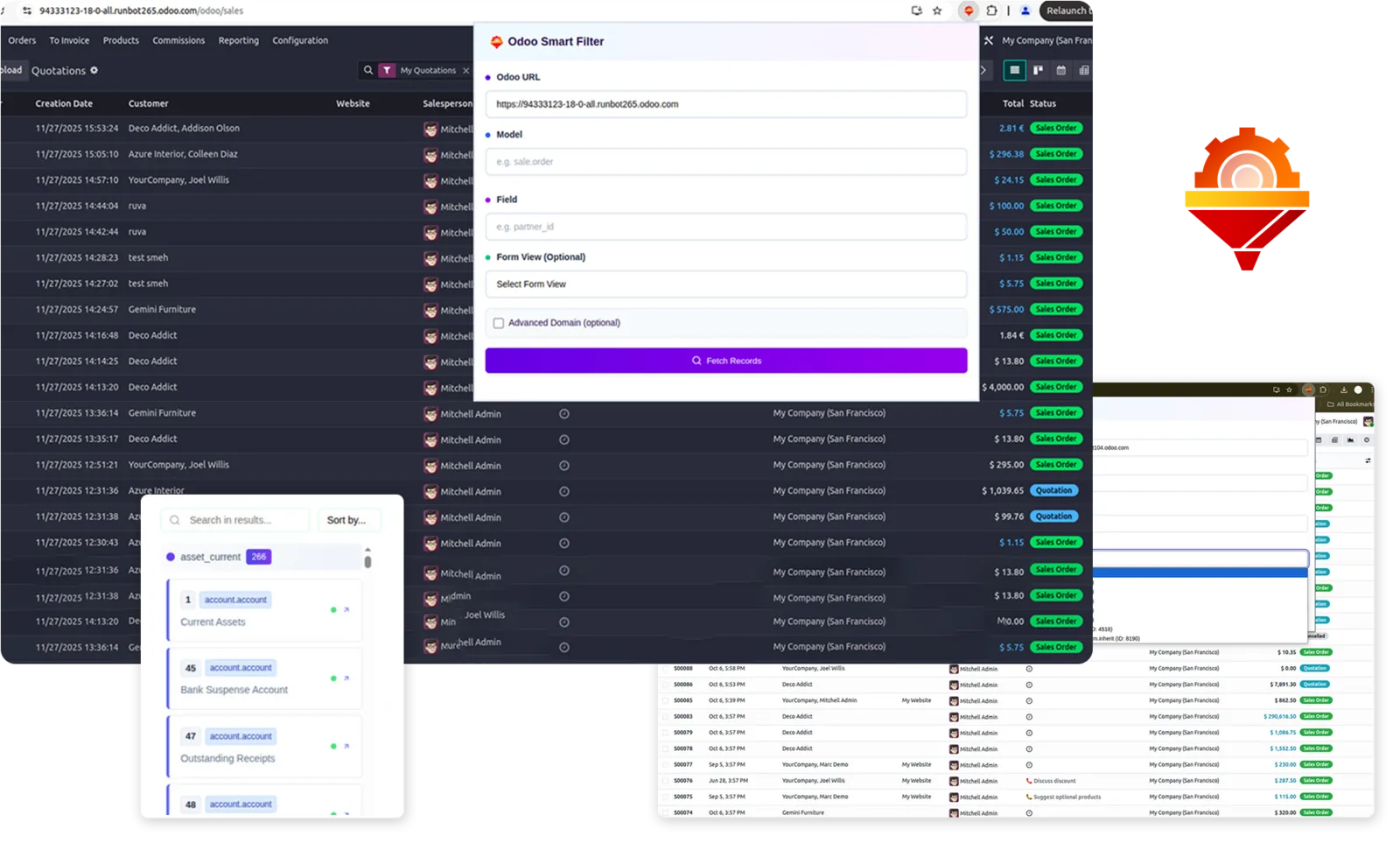
Filter records from any model you have access to, without navigating to that model's own view first.
Use it when you need a quick look at records in a model that is not in your current screen.
Install from the Chrome Web Store
Requirements
- Google Chrome, because the extensions are published on the Chrome Web Store.
- Browser access to an Odoo instance. The extensions work with any Odoo instance you can already open, and nothing needs to be configured on the server.
Frequently asked questions
What is Assista Air? A suite of Odoo productivity tools designed to simplify tab management, user switching and record filtering, installed as Chrome extensions.
How does Odoo One Tap work? It lets you switch between multiple Odoo users and instances with a single click. This saves time for developers, testers and business users who manage more than one login.
Does Assista Air work with any Odoo instance? Yes. The extensions work against any Odoo instance you already have browser access to. There is nothing to configure on the server side.
Is Assista Air free? Yes. All three extensions are free to install from the Chrome Web Store.
Do I need Assista IDE to use them? No. Each extension works on its own and installs separately from the Chrome Web Store.
Next steps
- See the other Assista products.
- See Support if you need help.